
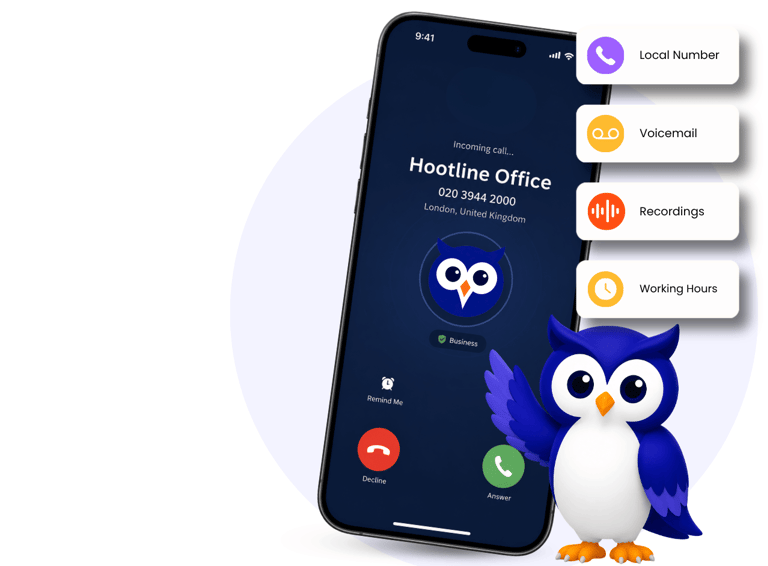
Set up your business number in minutes.
Choose your number, decide how calls should reach you and start taking business calls on the mobile phone you already use.
HOW IT WORKS

No 2nd Phone
Use your existing mobile

No long contracts
Monthly rolling plans

No complicated setup
Simple, guided setup
Set up in minutes. Stay connected anywhere.
Getting started with Hootline is simple. Choose your business number, decide how calls should reach you and start taking business calls on the mobile you already use.
STEP 1
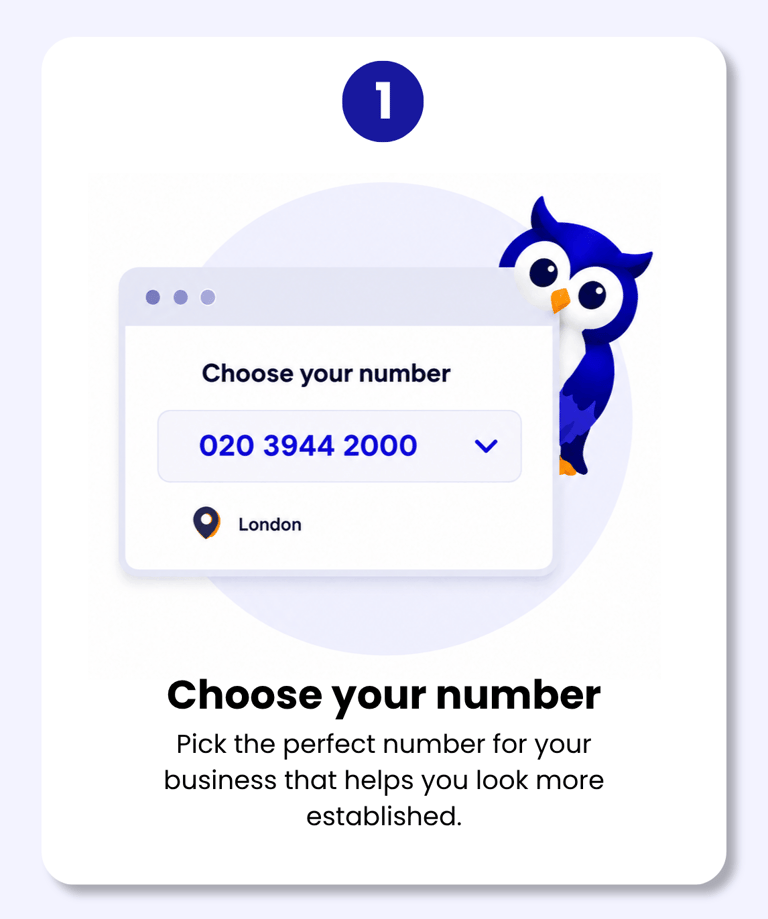
Choose a number that makes your business look more professional.
Your business number gives customers a clear way to contact you without needing your personal mobile number. Hootline is designed to help small businesses look more established from the first call, whether you are just starting out or moving away from using your own number for work.

Choose a local business number where available
Keep your personal mobile number private
Use one clear number for your website, invoices and customer messages
Build a more professional first impression
STEP 2
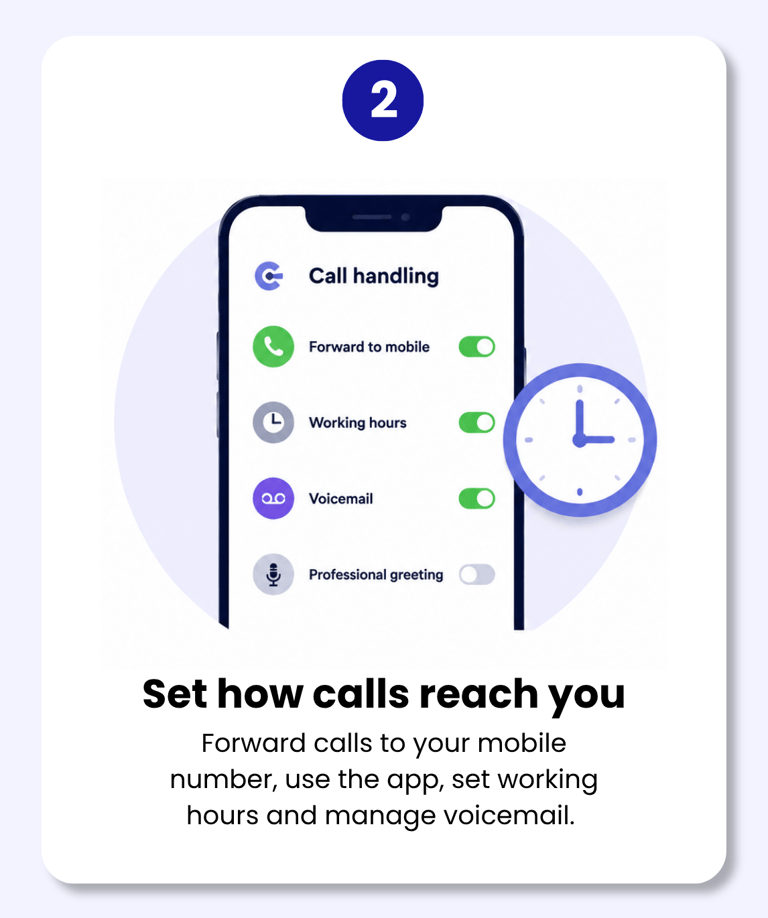
Decide how business calls should reach you & the features your business needs.
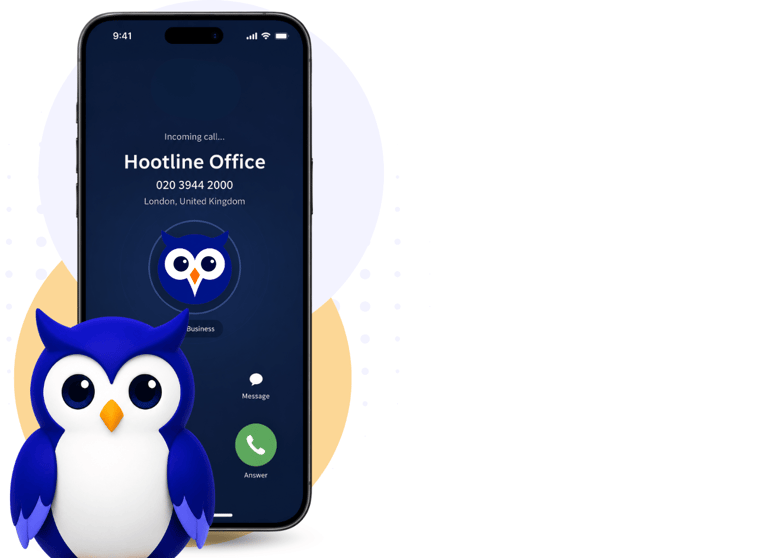
Once you have your number, you can choose how calls are handled. If you want the simplest setup, calls can forward straight to your mobile. If you want more control, app-based plans let you manage business calls, working hours, voicemail, call recording and more from your Hootline setup.
Your business number in a simple calling app.
Set working hours to keep work & life seperate
Send missed calls to voicemail
Use call recording with Business Pro
STEP 3
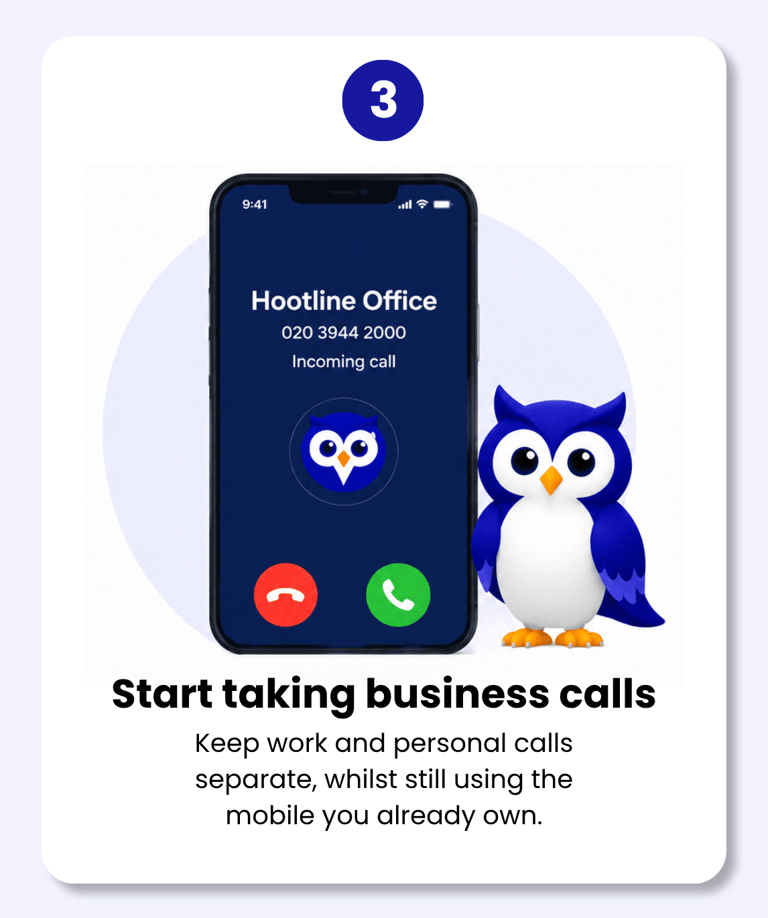
Start taking business calls without carrying another phone.
Your business number gives customers a clear way to contact you without needing your personal mobile number. Hootline is designed to help small businesses look more established from the first call, whether you are just starting out or moving away from using your own number for work.

Take business calls from your existing mobile
Separate work calls from personal life
Sound more professional to customers
Upgrade your plan when your business needs more features
From signup to business calls in a few simple steps.
After choosing your plan, you will be guided through the setup so your business number can be configured around how you work. The aim is to keep things simple, with no jargon and no unnecessary equipment.

Choose your plan
Pick the plan that suits your business today.

Choose your number
Select the business number you want to use.

Set your preferences
Choose how calls are handled and set options.

Start using Hootline
Add your number to your website, & start taking calls
You're ready to take business calls.

We’ve made setup simple, so you can focus on what matters, your business.
Questions before you get started?
Do I need a second phone?
How quickly can I get set up?
No. Hootline works with the mobile phone you already use, so you do not need to buy another handset or carry two mobiles.
Hootline is designed to be simple and self-serve. You choose your plan, select your business number, decide how calls should reach you and start using your number.
What happens when someone calls my Hootline number?
Your Hootline app rings, keeping business calls separate from your personal number. Business adds working hours and voicemail, while Business Pro adds call recording.
Can I change how calls are handled later?
Yes. Hootline is built to be flexible, so you can update your call handling as your business changes, including forwarding, working hours and voicemail settings depending on your plan.
Do I have to sign a long contract?
No. Hootline plans are monthly rolling, so you are not tied into a long contract. Plans are billed monthly by Direct Debit and prices exclude VAT.
Can I keep my personal mobile number private?
Yes. Customers call your Hootline business number, helping you keep your personal mobile number private on your website, invoices, social pages and customer messages.
Ready for a better way to handle business calls?
Get your local business number today and start looking more professional in minutes.




Get a local number
Answer calls through an app
No long contracts, billed monthly
Plans from £4.99 a month.
All prices exclude VAT.

A business number on your mobile.
© 2026 Hootline. All rights reserved